I use Codex quite a lot to put presentations together. I usually know what I want to say, but figuring out how to organize it and present it is the part I struggle with.
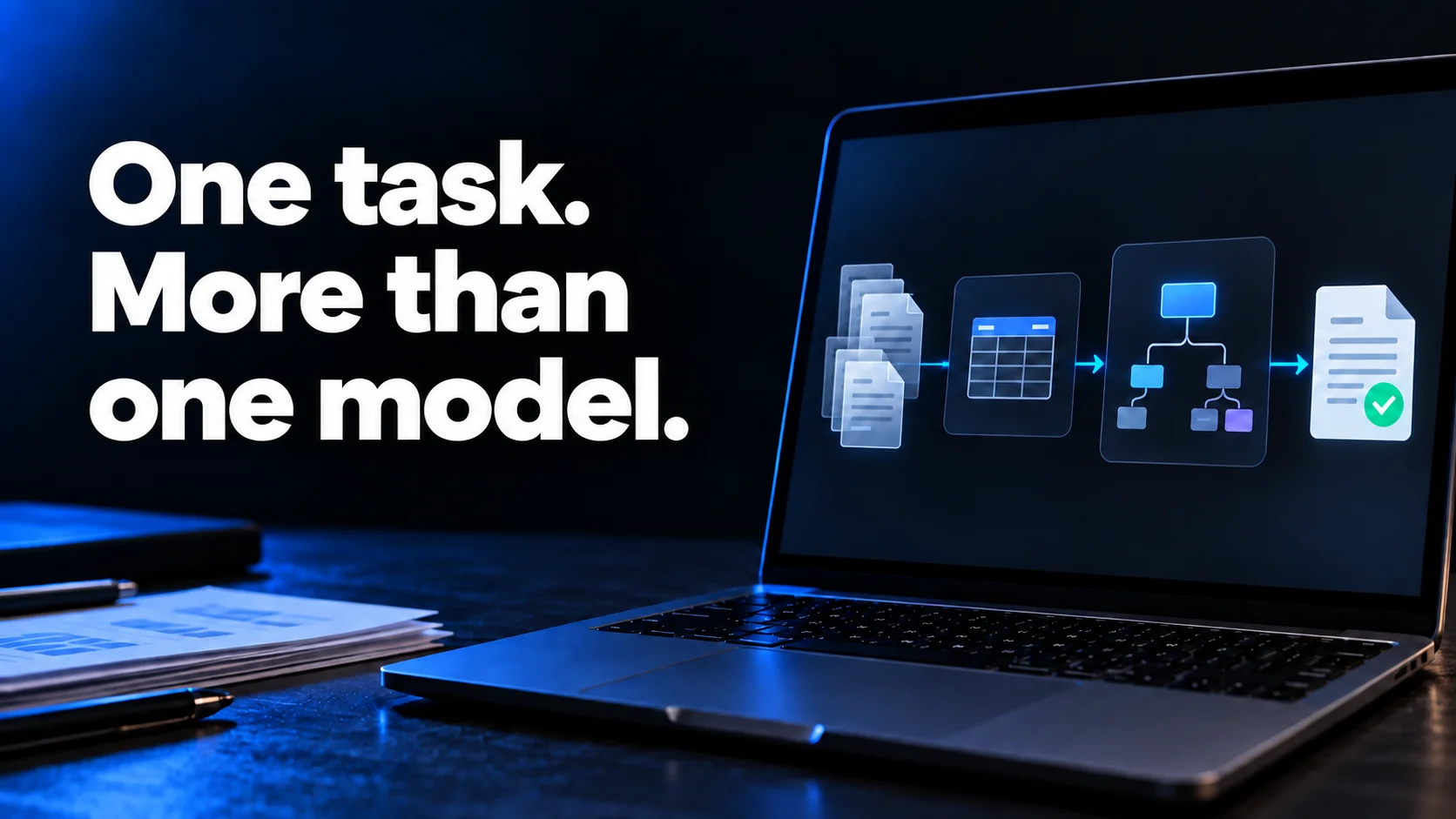
Astra generally works well for me on the visuals. But given the cost, it seems ridiculous to use it to extract the content too when Luna on High is more than enough for that.
And for figuring out how to explain things and what's worth including, I'd probably go with Sol 6.1 on High.
Putting a presentation together involves a few different jobs. Reading the source documents, deciding what to say and creating visuals all call for different things. That's why I find it more useful to choose a model for each part.
How I'd split it up
Say I have some notes and an old presentation I want to reuse.
First, I'd have a subagent running Luna on High pull out the content. That gives me the ideas, the data I want to use and where it all comes from. At this point, I don't need it to decide how to structure the presentation.
Then I'd pass that result to another subagent running Sol 6.1 on High and tell it who I'm presenting to and how much time I have.
This is where I want it to think about how to explain the material. If I've got ten minutes, just spreading the content across twenty slides isn't much help.
Once the structure makes sense, I'd bring Astra in for the visuals. It would already know what each slide needs to say and could focus on how to show it.
Loading diagram…
That's what I'd define in the subagents. Each gets a job, a model and a reasoning level. The main agent then passes the result from one to the next.
And if I want to change an image later, I can go back to that part without going through all the documents again.
Try it yourself
I've set up the three subagents below. Copy and paste this prompt to download and configure them. You can use your own files or try it with the sample notes I've included.
Download these TOML files and set up the three subagents in this project.
Keep any existing configuration.

lector
https://gist.githubusercontent.com/idirouhab/5e48adc1f12e783d3d5f9f0bc883084a/raw/e9eec0c3b7b48907e5cb74e7ea04f1223dd89b4b/lector.toml

guionista
https://gist.githubusercontent.com/idirouhab/8f5ebaa28f014c733bb72198bfcc3a7b/raw/fe6e3a956364fea2bfdc51bcdf2f49f5795e71e9/guionista.toml

visual
https://gist.githubusercontent.com/idirouhab/4b364dc1b63627968e97334a694c0ddc/raw/7a6a3cc020afeee19f125133fbc3eed99ccc34c4/visual.toml

I want six slides for a ten-minute talk.
The audience is colleagues who are new to the topic.
Use any materials I've attached to this conversation.

The topic is how to run a useful meeting.
Before the meeting, decide what you want to resolve and share an agenda.
During the meeting, work through the agenda and record decisions and tasks.
Afterwards, share who is doing what and by when.

First, launch lector with the materials and save its output.
Then launch guionista with that output, the sources,
the audience, the six-slide limit and the ten-minute time limit.
Once it's done, launch visual with the outline and the references it needs.
Give each agent its own output file or folder.

Deliver an editable presentation with speaker notes and a preview.
Tell me which model and reasoning effort each subagent used.
Discussion
Comments
No published comments