On this page
What problem are we solving?
In a basic deployment, one n8n instance handles the editor, webhooks, workflow execution and triggers. As concurrency grows, those responsibilities can compete for resources. Queue mode separates production workflow execution from the main instance; Code nodes have their own task-runner requirements.
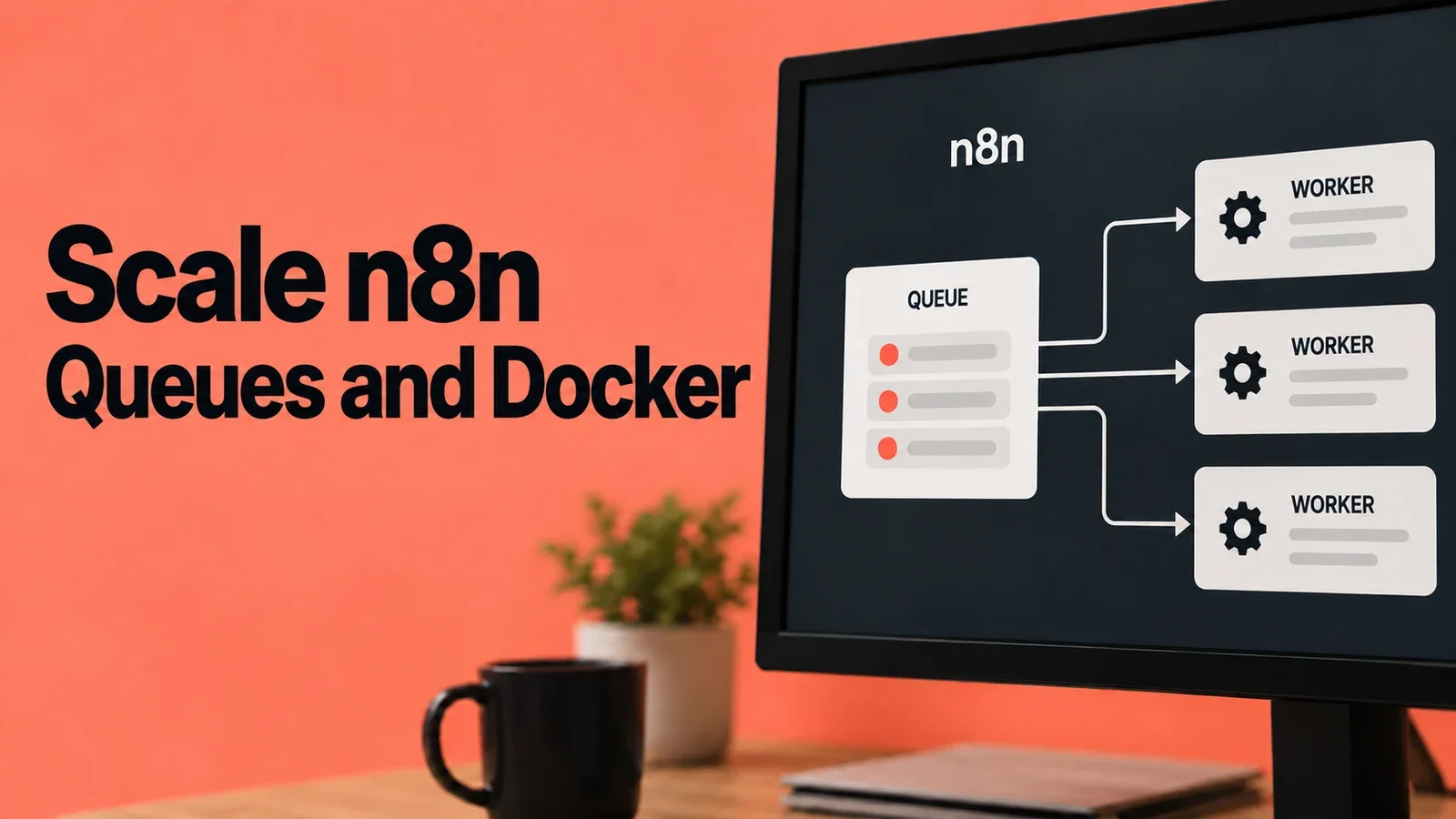
The solution is to separate responsibilities:
| Component | What it does |
|---|---|
| Main | Serves the editor, manages the API and triggers (cron, polling) |
| Worker | Executes the workflows (the heavy lifting) |
| Webhook Processor | Receives incoming HTTP requests for webhooks |
| Task Runner | Executes Code-node JavaScript or Python with isolation determined by its mode and configuration |
| Redis | Message queue that connects everything |
| PostgreSQL | Shared database |
💡 Think of it like a restaurant: the Main is the maître d' who takes orders, Redis is the counter where order tickets are placed, the Worker is the chef, the Webhook Processor is the dedicated entrance for online delivery orders, and the Task Runners are the specialized prep cooks handling specific ingredients.
Visual architecture
Public traffic -> reverse proxy
  Editor, API and test webhooks -> Main
  Production and waiting webhooks -> Webhook processors

Main / webhook processors -> Redis job queue -> Workers
Main / webhook processors / workers <-> PostgreSQL

Worker's Code node <-> broker in worker <-> external runner
The worker retrieves the workflow from the database and stores execution results there. The runner executes Code-node tasks and returns their results through the broker. A main instance that executes manual workflows also needs a runner for those Code nodes. Queue architecture.
Before implementation
Scope of this guide: this is an architecture walkthrough. The former Compose example mixed n8n 1.71.3 with a runner-sidecar arrangement whose documented minimum is 1.111.0, and used incorrect connection settings. It has been removed. This article does not provide a deployment that has been tested end to end.
That minimum is a compatibility boundary, not a recommendation to deploy an old release. For implementation, choose a supported release, pin the n8n and runner images to the same version, and follow the official external-runner setup and queue-mode guide. Main instances, webhook processors and workers must also use matching n8n versions.
The deployment still needs its own secret management, persistent storage, network access rules, HTTPS proxy and recovery tests. The connections below explain what to configure; they are not a complete Compose file.
Understand each component
PostgreSQL
Stores workflows, credentials and execution data. Main instances, webhook processors and workers need database access. Use PostgreSQL for this distributed architecture; n8n does not support a distributed queue setup backed by SQLite.
Redis
Carries queued execution IDs and coordination messages. It is part of the execution path, so treating it as a disposable cache is a mistake. Use maxmemory-policy=noeviction for job storage: Redis then rejects writes that need more memory instead of evicting existing keys when the memory limit is reached. Plan persistence and memory headroom, and monitor memory usage. This policy does not prevent memory exhaustion or make failed jobs impossible. Redis eviction behavior.
Main and webhook processors
The main instance serves the editor and API and manages triggers. Queue mode sends production executions to workers. Manual executions run on main unless OFFLOAD_MANUAL_EXECUTIONS_TO_WORKERS=true sends them to workers too.
Optional webhook processors receive production webhook traffic and pass execution work to the queue. Separating them can reduce pressure on the editor; shared CPU, memory, Redis and database capacity can still become bottlenecks.
Workers
Workers consume queued executions and perform the workflow. The CLI flag n8n worker --concurrency=10 sets a ten-job limit unless N8N_CONCURRENCY_PRODUCTION_LIMIT overrides it. In n8n 2.0.0, an environment value other than -1 takes precedence over the flag. Ten is the flag's default, not a sizing recommendation. Runner task concurrency is a separate limit. Version 2.0.0 worker implementation.
External task runners
Each worker needs a companion runner container for Code-node tasks. Main needs one too when it performs manual executions; a webhook-only receiver does not need a runner merely because it receives HTTP requests.
Task runners are enabled by default from n8n 2.0. Native Python requires external mode. JavaScript can use internal mode, but n8n recommends external mode and additional hardening for production or sensitive data. Container separation is one layer: permissions, mounted files, exposed secrets and resource limits still matter. It does not guarantee that hostile code or an out-of-memory event cannot affect other services.
Route traffic to the right process
For a shared public domain and dedicated webhook processors, the documented default paths are:
| Request | Destination |
|---|---|
/webhook/* | Webhook processor pool |
/webhook-waiting/* | Webhook processor pool |
/webhook-test/* | Main instance |
| Editor, API and other paths | Main instance |
Update these rules if you customize endpoint names. Host ports depend on your network and proxy arrangement; 5680 is not a required webhook port. Match the public webhook URL and proxy configuration to the actual deployment. Official load-balancer guidance.
What to verify in a separate environment
A running container does not prove that a workflow works. Test editor access, a saved production workflow, production and test webhooks, a waiting webhook resumed by an external callback, manual execution, and the JavaScript or Python Code nodes you actually use. Verify the expected worker handles execution and that results persist.
Then test restarts and recovery with representative data and a checked backup. If a runner fails, inspect the broker address, network reachability, shared authentication token, matching image versions and logs. An unhealthy runner does not identify a single cause. These are validation steps for an implementation; they have not been executed for a deployment supplied by this article.
Configuration responsibilities
| Setting | Where it belongs | Meaning |
|---|---|---|
EXECUTIONS_MODE=queue | Main, workers and webhook processors | Queue-based production execution |
DB_TYPE=postgresdb and DB_POSTGRESDB_* | n8n processes | Connection to the shared database |
QUEUE_BULL_REDIS_HOST, QUEUE_BULL_REDIS_PORT, authentication settings | n8n processes | Connection to the same Redis queue |
N8N_ENCRYPTION_KEY | Main, workers and webhook processors | Same securely stored encryption key for stored credentials |
OFFLOAD_MANUAL_EXECUTIONS_TO_WORKERS=true | Main | Send manual executions to workers |
N8N_RUNNERS_MODE=external | Each n8n instance executing Code tasks | Use external runners |
N8N_RUNNERS_BROKER_LISTEN_ADDRESS=0.0.0.0 | n8n task broker | Accept runner connections over the private container network |
N8N_RUNNERS_TASK_BROKER_URI | Runner container | Address of its n8n broker, for example http://n8n-worker:5679 |
N8N_RUNNERS_AUTH_TOKEN | Broker and its runner | Same securely generated authentication token on both sides |
WEBHOOK_URL | n8n configuration | Public webhook base URL |
The runner connects to the broker in n8n. Keep broker port 5679 private; it is not the public editor port. The encryption key and runner authentication token serve different purposes.
For compatible 1.x releases, enable runners explicitly with N8N_RUNNERS_ENABLED=true. From 2.0, runners are enabled by default and that flag is no longer needed. Check the selected release's runner settings, including Python and dependency requirements, in the official guide.
When do you need this?
Use queue mode when you need to separate production execution from the editor or distribute work across workers. Add dedicated webhook processors when webhook intake needs to scale separately.
There is no useful universal threshold based only on executions per day. A short HTTP request and a workflow processing large files have very different costs. For sizing, test representative workflows and bursts, then measure queue wait time, execution duration, memory, CPU and database load before adding workers or raising concurrency. The old 4 GB / 2 vCPU minimum and daily-volume bands were not validated capacity limits.

Discussion
Comments
No published comments