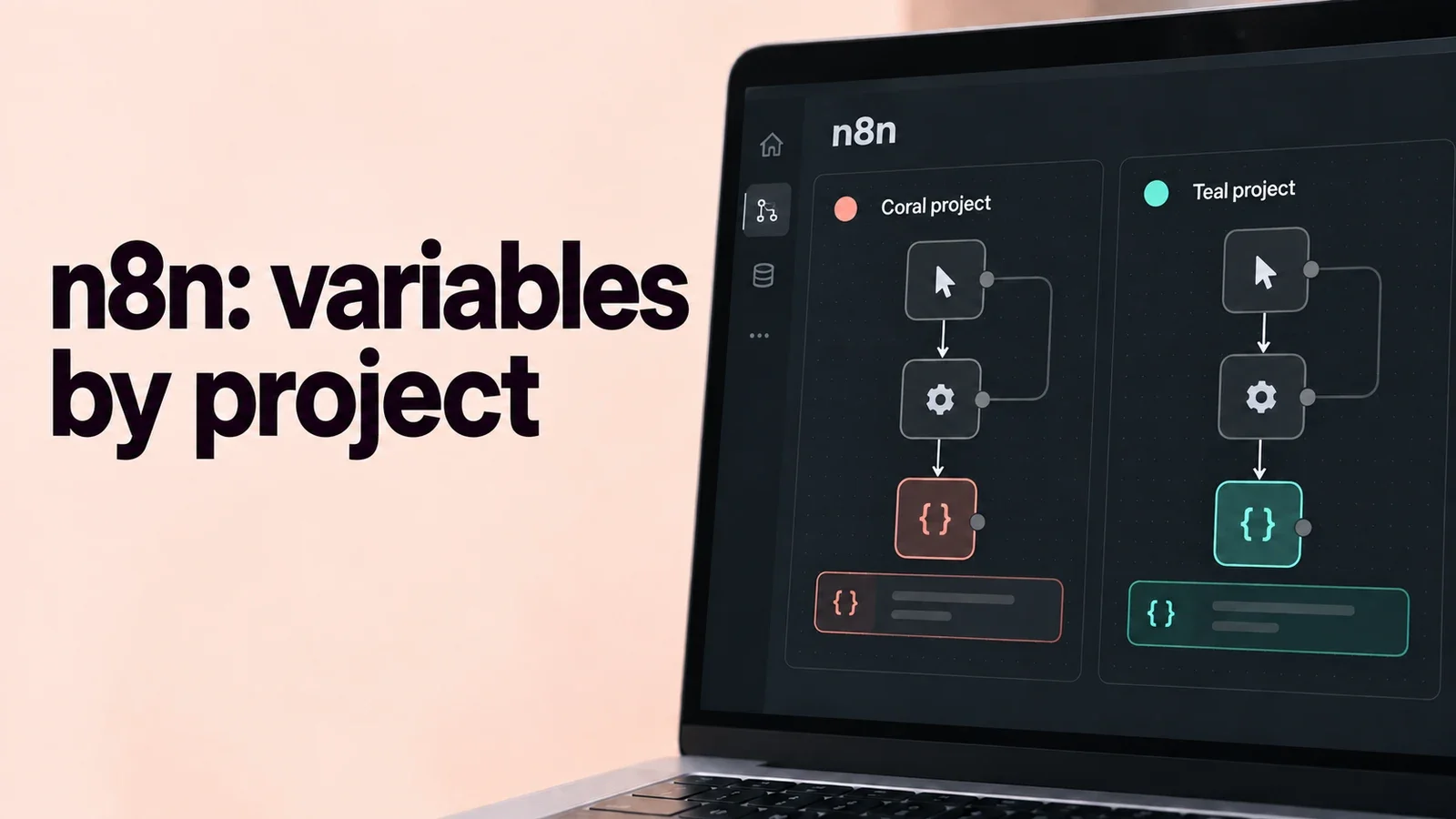
n8n has rolled out a significant update that transforms how teams manage variables across their automation workflows. Starting with version 1.118.0, the platform now supports project-scoped variables alongside the traditional global variables, marking a major step forward in workspace organization and security.
What's Changed?
Until now, all variables in n8n were global by default - visible and accessible to everyone on the instance. While this worked for smaller teams, it posed challenges for organizations with multiple projects and teams working simultaneously. The new update addresses this limitation head-on.
Understanding Variable Scope
The new variable system offers two distinct scopes:
Global variables are available across projects in the instance. Use them for non-sensitive shared configuration, such as a public API base URL. Keep API keys and passwords in credentials or an appropriate secrets system; variable scope is not a substitute for secret management.
Team Project Variables: These are restricted to members within a specific team project. Only team members with access to that project can view and use these variables in their workflows and credentials, ensuring better data isolation and security.
Personal Projects and Variables
Personal projects currently work with global variables only - project-scoped variables are designed specifically for team projects. This approach ensures that personal workflows can still access necessary shared resources through global variables while team projects benefit from the additional isolation layer.
Why This Matters
Project scope helps organize configuration and avoid name conflicts between projects. It does not remove the need to manage project access, permissions and sensitive data separately.
Looking ahead, this foundation sets the stage for even more granular control. When custom roles are released, organizations will be able to grant permissions for users to create and manage variables within their respective projects, further enhancing the platform's enterprise readiness.
Getting Started
Project-scoped variables were introduced in n8n 1.118.0. Availability also depends on the edition and plan; check the current feature-availability table for your installation.
Creating Global Variables: If you don't see the Variables option in the left sidebar, you can create global variables by navigating to the overview page, clicking on the variables tab, and selecting "Global" as the scope in the variable creation modal.
Creating Team Project Variables: Within any team project, you can create project-scoped variables that will only be available within that specific project.
Ready to explore the new variable scoping features? Check out the official documentation for detailed implementation guides and best practices.

Discussion
Comments
No published comments