Building AI applications involves context engineering as well as prompting: deciding which information the model needs and which parts can be reused. A large context window is a capacity limit, not evidence that sending more input is useful or cheap.
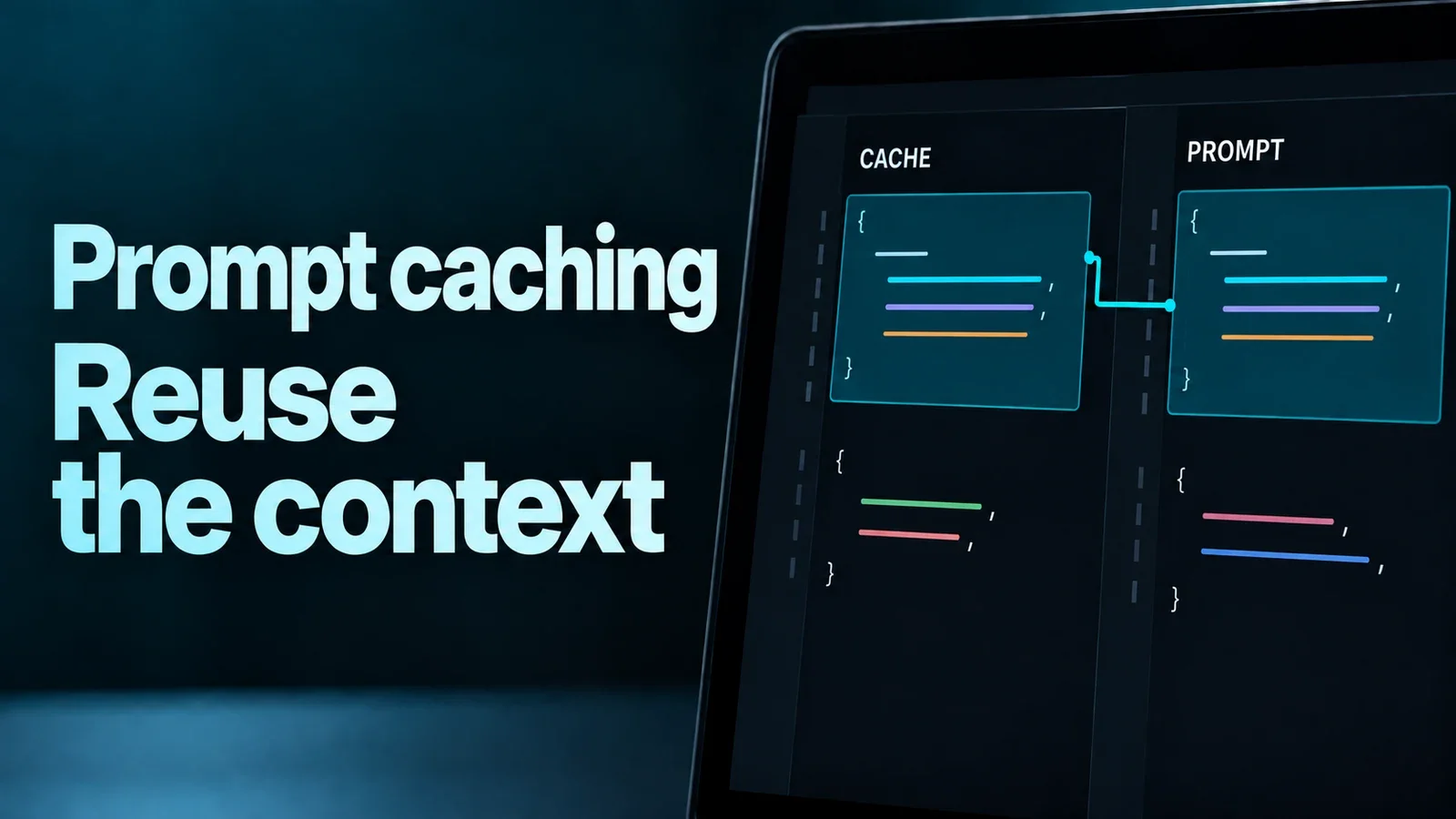
Without Prompt Caching, every turn in a long conversation feels like buying the same book five times just to read five different chapters.
Tokens and the "Capacity" Nuance
Tokens are units of input and output, not a fixed number of words. The token count depends on the model’s tokenizer, language and content. A large context window does not make the input you send free.
- Capacity vs. usage: The context limit is the warehouse size; the input you actually send is what the system processes.
- Cache reuse: On a cache hit, the provider can reuse processing for an eligible prefix. Remaining input and generated output still require work.
- Costs: Read, write, retention and storage charges depend on the provider and model. Check the current pricing and returned cache-usage fields instead of assuming a fixed discount.
Hands-On: The "Static Prefix" Strategy
To trigger a cache hit, your prompt must be structured as a Static Prefix (the part that stays the same) followed by a Dynamic Suffix (the new question).
1. Caching the "Tool Library" (The Agent Pattern)
If your AI agent has 40+ specialized tools (functions), the JSON definitions alone can take up thousands of tokens. If you send these with every user message, your bill balloons.
Claude: mark the intended reusable boundary.
With an explicit breakpoint, place cache_control on the final tool or content block you intend to reuse—not on the first tool followed by changing definitions. The original example here contained an invalid model identifier and omitted required setup, so it should not be copied as a working request. Use a supported model and the current complete examples in Claude’s prompt-caching documentation; check minimum length and cache-read usage for that model.
2. The "Long-Term Resident" (Document QA)
When building a "Chat with PDF" tool, the document is the static part.
OpenAI: keep reusable context stable. The example below illustrates ordering, not a complete API request. Put reusable reference material before changing questions or timestamps. Supported boundaries, minimum lengths and retention depend on the model and request settings; a stable prefix alone does not guarantee a cache hit. Check OpenAI’s prompt-caching guide and the response’s cached-input usage.
# CORRECT: Context first, then user question
messages = [
    {"role": "system", "content": "You are analyzing the 50,000-token 'Legal_Contract_v2.pdf'. [Full Text Here]"},
    {"role": "user", "content": "What is the termination clause?"}
]
3. The "Context Snapshot" (Google Gemini)
Gemini offers implicit caching on supported models and explicit cache objects through the generateContent API. They are different mechanisms; the Interactions API does not support explicit cache objects.
Before using an explicit cache, choose a supported model, check its minimum size and retention charges, and pass the cache reference when generating the answer. The original sample stopped after creation and used an unverified model identifier. Follow Gemini’s current caching examples for the API you use, rather than treating that partial sample as runnable code.
Keep the reusable prefix consistent
Changing content before a cached boundary can prevent reuse from that point. The exact rules, routing and expiration depend on the provider and model; not every change means the entire request is processed from scratch. Measure actual cache hits.
Practical tip: Serialize reusable content consistently. Only normalize whitespace when it does not change the meaning of the document or code.

Discussion
Comments
No published comments