If you're building AI applications, you've probably noticed that token costs add up fast. Every API call counts, and the format you use to structure data matters more than you think.
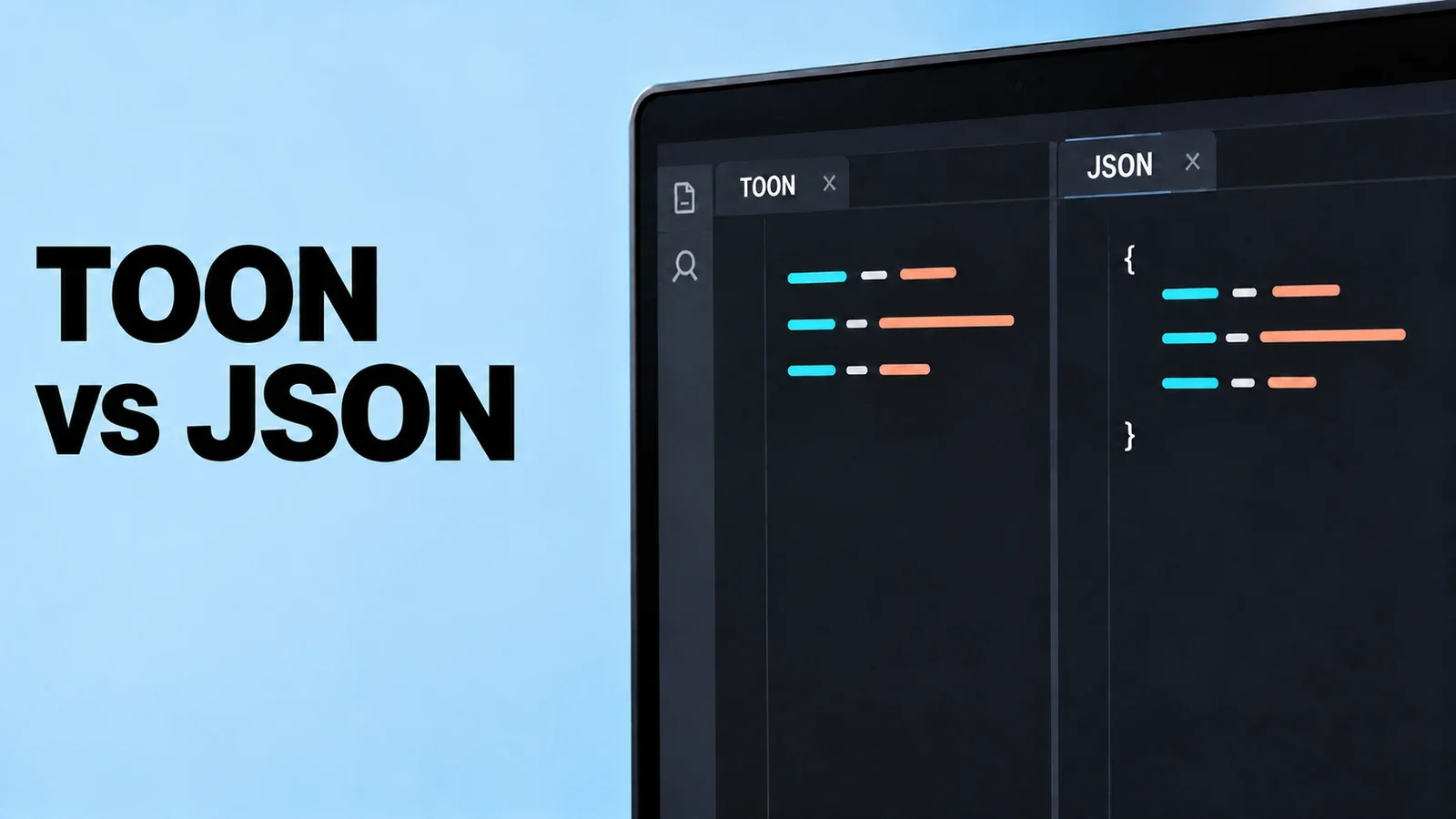
Enter TOON (Token-Oriented Object Notation), a format designed specifically for LLM contexts. Let's see how it stacks up against JSON and what you can actually save.
What is TOON?
TOON is a lightweight data serialization format optimized for token efficiency. Instead of the verbose syntax of JSON, TOON uses a more compact representation that LLMs can still parse easily.
JSON Example:
{
  "name": "John Smith",
  "age": 32,
  "email": "john@example.com",
  "active": true
}
TOON Example:
name: John Smith
age: 32
email: john@example.com
active: true
Simple difference, but it matters at scale.
Count tokens on the exact prompt
The displayed JSON and TOON examples contain 88 and 61 characters, respectively, excluding their code fences and final newline. Character counts are not token counts. The original token estimates were not accompanied by a reproducible tokenizer run; measure both formats with the tokenizer used by your chosen model.
Where TOON Really Shines
Complex Nested Data
Nested data needs its own measurement. Here is the same JSON data encoded as TOON:
JSON:
{
  "users": [
    {
      "id": 1,
      "name": "Alice",
      "roles": ["admin", "editor"]
    },
    {
      "id": 2,
      "name": "Bob",
      "roles": ["viewer"]
    }
  ]
}
TOON:
users[2]:
  - id: 1
    name: Alice
    roles[2]: admin,editor
  - id: 2
    name: Bob
    roles[1]: viewer
Check token usage and answer quality on your own prompts before claiming a saving.
API Response Context
If you're feeding API responses into your prompts, this adds up quickly. Suppose an API response with 10 objects measured as follows:
- JSON: ~1,200 tokens
- TOON: ~850 tokens
- You save 350 tokens per request
For an illustrative price of $10 per million input tokens and 10,000 requests per month:
- JSON cost: $120
- TOON cost: $85
- Monthly savings: $35 per workflow
When to Use TOON
Perfect for:
- System prompts with structured data
- Few-shot examples in your context
- Tool data included as text in prompts; keep the API’s required function schema
- Large dataset summaries
- Chain-of-thought reasoning steps
Stick with JSON when:
- You need strict schema validation
- Interfacing with external APIs (they expect JSON)
- Your team isn't familiar with YAML-like formats
- You're using standard JSON parsing libraries
Real-World Impact
Let's say you're building a RAG system that processes 1,000 documents daily, each with metadata in your prompt:
Daily token usage:
- JSON: 450,000 tokens
- TOON: 315,000 tokens
Monthly difference:
- 4.05M tokens saved over a 30-day month, under these assumptions
- Multiply that difference by your actual input-token price
For a single application. Multiply this across multiple workflows, and you're looking at meaningful cost reduction.
Implementation Tips
- Hybrid approach: Use TOON in prompts, JSON for API contracts
- Document clearly: Make sure your team knows which format to use where
- Test parsing: Verify your LLM correctly interprets TOON structures
- Monitor token usage: Track before/after metrics to confirm savings
Bottom Line
TOON is worth testing for suitable prompt data. My original claim of a 25–35% cost reduction without affecting functionality was too broad: the format can change model performance, and any saving needs measurement.
Compare it with compact JSON as well as formatted JSON, and keep the option that works best on your actual task.
Worth testing in your next project. Tool to convert JSON a TOON

Discussion
Comments
No published comments