A task can run for hours without needing the same model for every step. Pulling dates from documents and deciding what to recommend after reading them are quite different jobs.
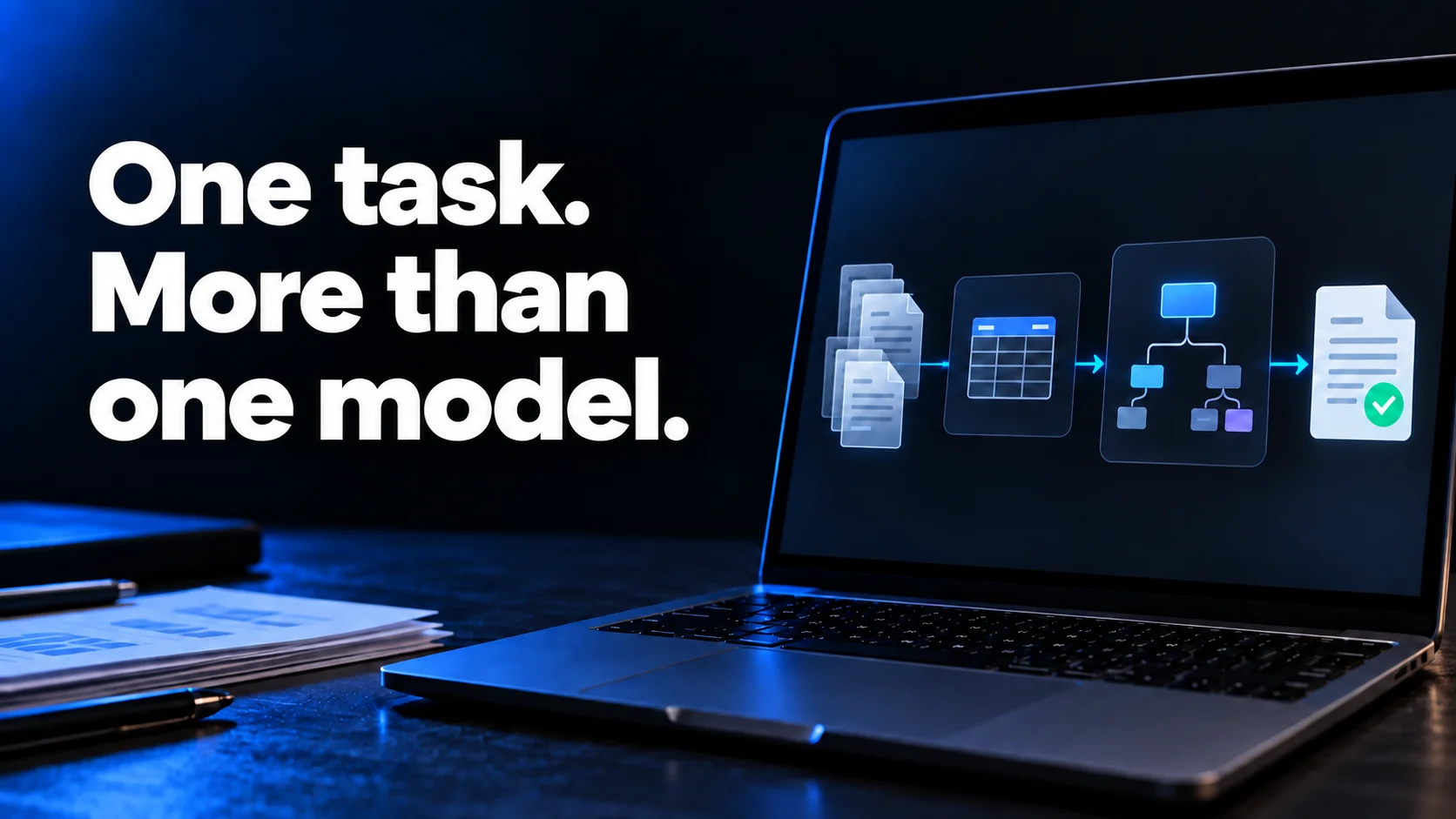
50 interviews and three improvements
For example, you might have 50 customer interviews and need to choose three product improvements. The extractor subagent would use a smaller model to collect the problems customers mention in a table, with quotes and sources. The reviewer subagent would use a stronger model to write and check the recommendations, resolving anything unclear or contradictory.
Loading diagram…
Save the results after each batch. If the task stops halfway through, you can pick up where it left off.
Try it with your own files
Both subagents already have their model, reasoning effort and instructions set.
| Subagent | Model | Reasoning effort |
|---|---|---|
| extractor.en.toml | gpt-6-luna | medium |
| reviewer.en.toml | gpt-6.1-sol | high |
Copy and paste the prompt into your project. The agent will download the files and set up the subagents. You'll need access to both models and a tool that supports this agent format.
Download these TOML files and set up the subagents in this project.
Save them in the appropriate location and preserve the existing configuration.

extractor
https://gist.githubusercontent.com/idirouhab/1f8e255c22758725f87c75841a645029/raw/e93afd9faed82a431fbbea68f79930611a60a4ce/extractor.en.toml

reviewer
https://gist.githubusercontent.com/idirouhab/ad438cc612d79a1775328f07dc827d96/raw/1cebdd55eec88d57f64fa3f7bf7e1af772a7e48b/reviewer.en.toml

Read the files and configure the subagents using their values for
name, model, model_reasoning_effort, sandbox_mode and developer_instructions.
Apply those settings when launching them. If you can't, stop and tell me what's missing.

Before analyzing the documents, ask me what decision I need to make.

Define the table columns and split the documents into batches of five.
Launch extractor for each batch, one batch at a time.
Give it its batch files, the decision, the table columns
and a separate output path for its table.

Once all batches are done, launch reviewer with the tables,
the sources, the decision and the output path recommendations.md.
Ask it for three improvements supported by the interviews.

Record completed batches and their tables in progress.md.
If the task stops, resume with the remaining batches.
At the end, report each agent's model and reasoning effort.
I'd try it with five documents before handing over all 50. Check what it gets wrong, how long it takes and what it costs. If the smaller model needs constant corrections, it isn't helping much.
More on choosing a model.

Discussion
Comments
No published comments